How to Track RSVPs via Text (The Modern Host's Guide)
Email invites get buried. Text a single RSVP link instead, and watch attending and declined replies land in one live list in real time.
Hosts who want to "track RSVPs via text" do not need a separate SMS polling app or a new phone number. They need a mobile-friendly RSVP page and one link that survives messy group chats. Email invitations often stall in promotions or spam folders; text messages get read within minutes — industry surveys frequently cite SMS open rates near 98% — so putting your invite link in a short text is a high-signal move.
Why text beats "just reply to this email thread"
- Group threads fragment fast: three people reply-all, two react with an emoji, and nobody updates the actual guest list.
- Spam and promotions filters regularly hide formal invitation emails.
- Guests already live in Messages, WhatsApp, or iMessage — meet them there.
The modern flow, step by step
- Create your invitation on InviteTools — event details, RSVP deadline, and meal or plus-one settings.
- Publish and copy the public link, or download a QR code for anything printed.
- Text guests a short note with the link: "You're invited — RSVP here by Friday: [link]."
- Watch your dashboard as attending and declined replies arrive, and export the list once plans are final.
Sample texts you can copy
- "Hey! You're invited to Sam's birthday, Sat 6pm. RSVP (takes 30 seconds): [link]"
- "Wedding RSVP for Alex & Jordan — please reply by May 1: [link]"
- "Team offsite Nov 12. Confirm your seat here: [link]"
Keep the message short and put the urgency in the deadline, not in all caps.
What InviteTools handles after the tap
Guests open a polished, mobile-first page — not a generic form that breaks your brand's look. You collect attendance, optional meal choices, and notes, all in one place. Email reminders can go out automatically before the deadline on paid plans. You still send the first invite by text yourself (or share it on social); InviteTools just removes the spreadsheet phase that follows.
Designs that look great when opened straight from a phone:
- Aurora Canvas — Party template you can open and customize in minutes.
- Coastal Breeze — Party template you can open and customize in minutes.
- Concrete Gallery — Corporate template you can open and customize in minutes.
Frequently asked questions
Can guests RSVP without downloading an app or creating an account? Yes. They tap your link, answer attending or declined, and submit — no login, download, or account required.
Is texting an RSVP link less formal than mailing a card? It can feel more casual, which is exactly why it works well for showers, birthdays, and smaller weddings. For very formal events, pair a printed card with a QR code so guests still RSVP on the same live page.
What happens if two guests share a phone number, like a couple? Send one link and let them submit one response together, or send two personalized links if you want to track each guest separately — both work with InviteTools' guest list settings.
Recommended Invitation Templates
Customize online and share with your guests in minutes.
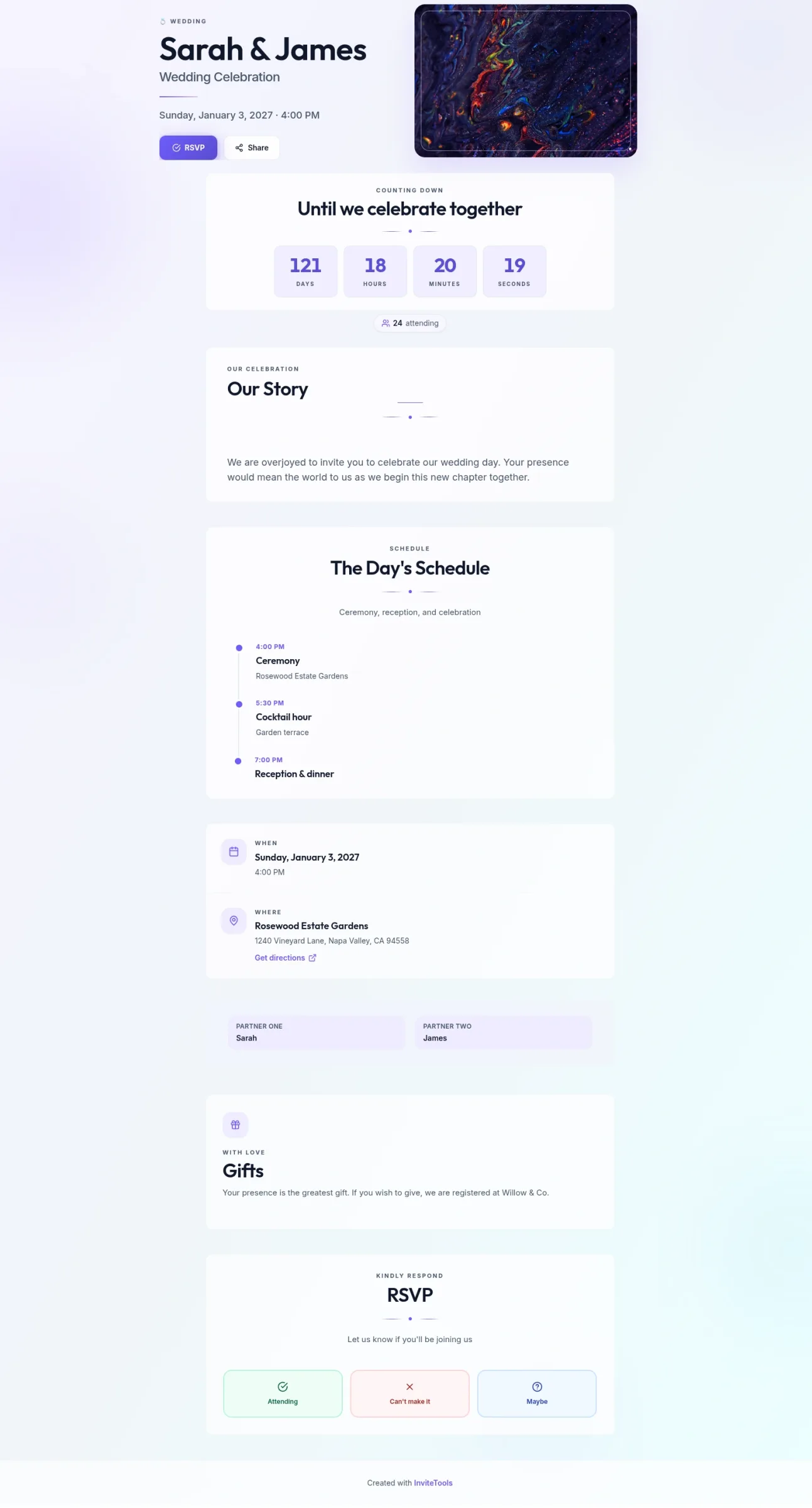
Abstract Union
Soft abstract color fields and open spacing — a modern invite for any event.
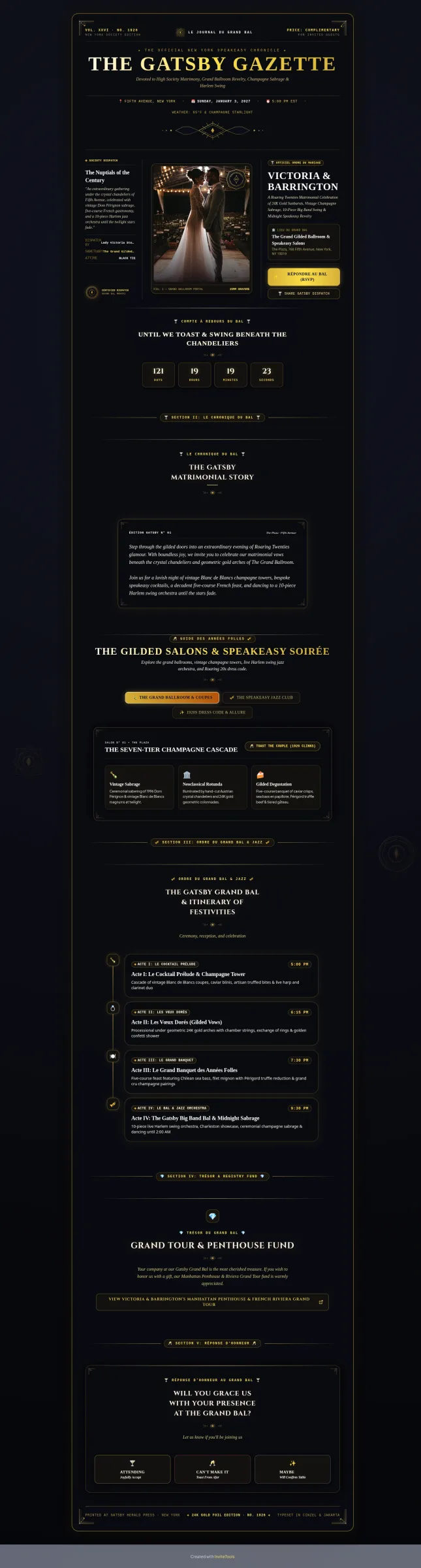
Art Deco Gold
Gilded 1920s geometry and society-column layout for a glamorous wedding.
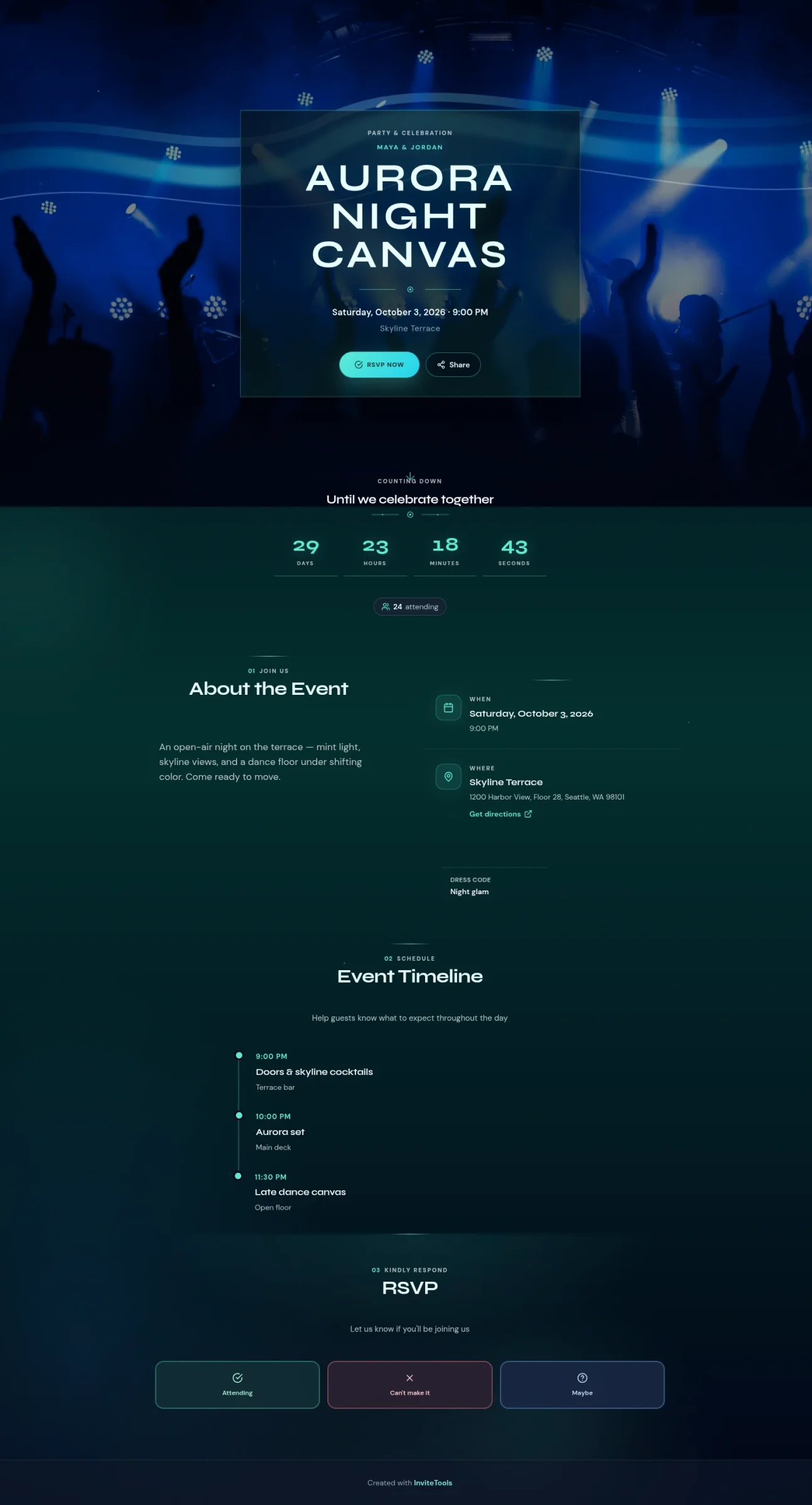
Aurora Canvas
Electric northern-light night sky for clubs, birthdays, and after-dark parties.