How to Politely Limit Plus-Ones on Your Guest List
Budget and venue caps are real. Here is wording — plus digital RSVP settings — that stop surprise companions before they become an awkward conversation.
"Limit plus-ones on RSVP" is one of the top pain points for weddings and milestone parties. You want kindness and a hard seat count, and those two goals can feel like they are pulling in opposite directions. The most polite approach pairs clear invitation wording with RSVP settings that simply do not offer an open-ended companion field in the first place.
Say it on the invitation
- "We have reserved [number] seat(s) in your honour."
- "Adults-only celebration — thank you so much for understanding."
- "Regrettably, we are unable to accommodate additional guests."
- "This invitation is for named guests only."
Avoid vague lines like "and family" unless you truly mean the whole family. Ambiguous wording almost always creates an awkward negotiation later, usually a week before your RSVP deadline, when you have the least time to deal with it.
Enforce it in the RSVP form
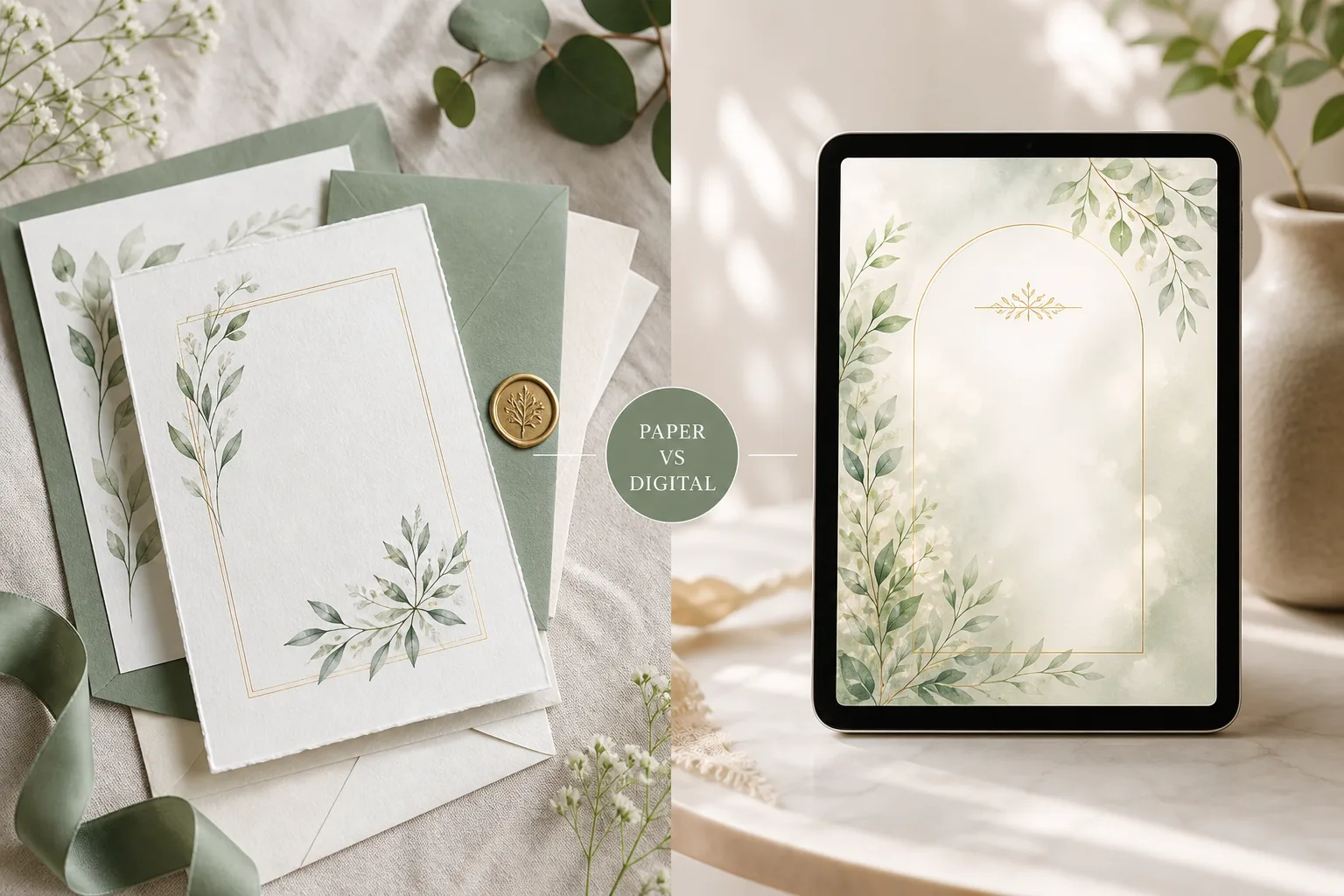
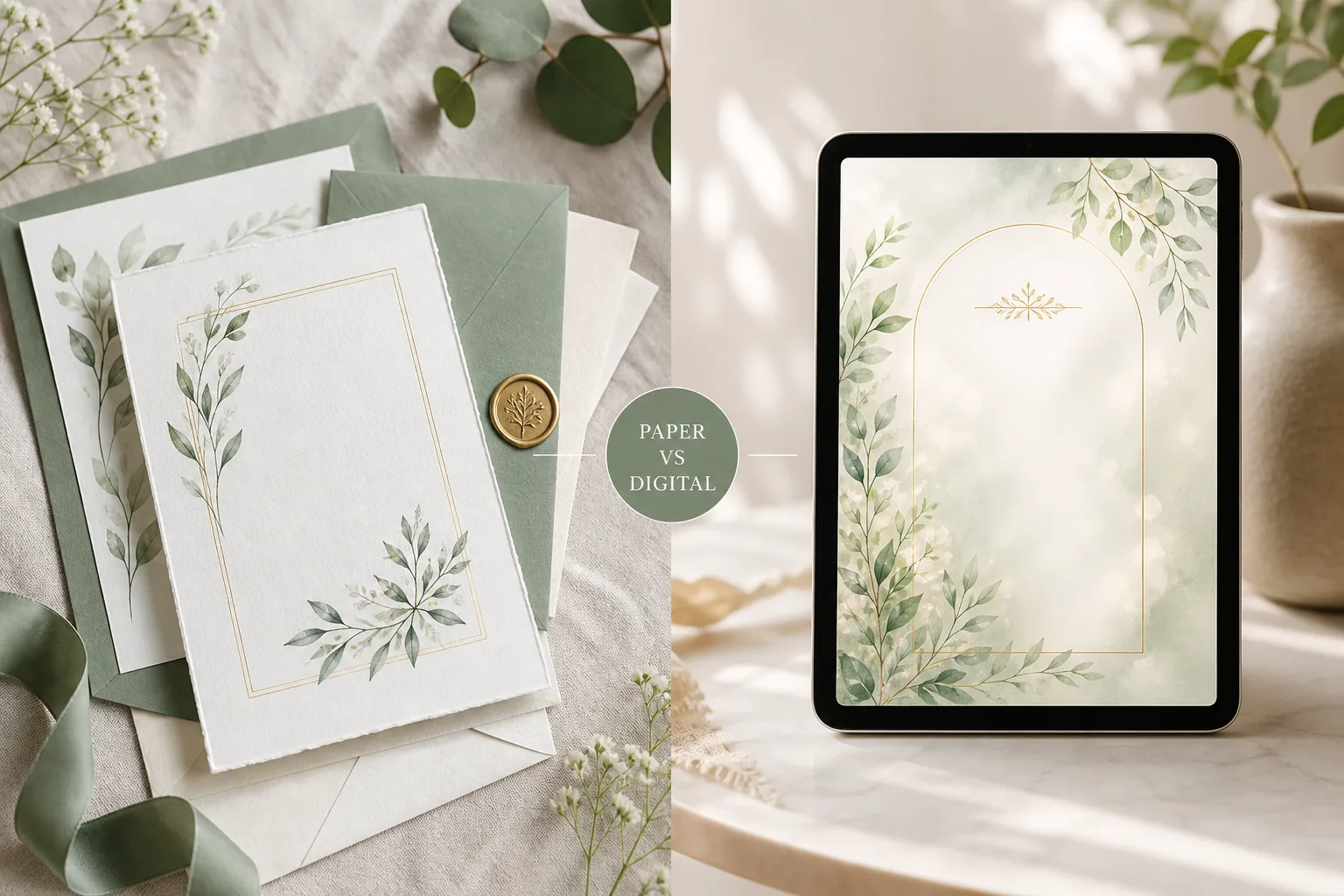
Paper cards cannot stop a guest from handwriting two extra names in the margin. Digital RSVPs can. In InviteTools you can:
- Disable plus-ones entirely so the form never offers a companion field.
- Set a plus-one limit per invite when some guests — say, your wedding party — get one named plus-one and others do not.
- Turn on guest-list-only, invite-only replies on paid plans, so only the people you actually added to the list can respond at all.
When the form physically cannot request three mystery guests, conversations get shorter, faster, and noticeably kinder — because there is nothing left to negotiate.
Common plus-one mistakes to avoid
- Leaving it unwritten: silence gets read as "sure, bring whoever," which is rarely what you meant.
- Mixing rules across a mailing list: if some invitations say "and guest" and others do not, be ready for confused texts comparing notes.
- Deciding late: a plus-one policy is much easier to hold firm on before invitations go out than after someone has already assumed they can bring a date.
Scripts for tough replies
- "We're so glad you're coming! Our venue cap means we can't add plus-ones this time — thank you for understanding."
- "Your invite is for you and [Name]. If plans change, reply on the invite link and we'll update the list."
Templates that work well for formal, headcount-driven seating plans:
- Art Deco Gold — Wedding template you can open and customize in minutes.
- Champagne Atelier — Wedding template you can open and customize in minutes.
- Macrame Sun — Baby & family template you can open and customize in minutes.
Frequently asked questions
Is it rude to have a no-plus-one policy? No. Budget, venue capacity, and seating logistics are real constraints, and most guests understand that when the wording is clear and applied consistently.
How do I stop guests from adding plus-ones on a digital RSVP form? Turn off the plus-one field for that invitation, or set a per-guest limit of zero. The form will not display an option to add anyone beyond who you invited.
What if a guest asks in person to bring someone anyway? Give yourself permission to say, "I wish we could, but our numbers are locked with the venue" — then, if you truly want to make an exception, update their invite and plus-one limit directly so the change is reflected everywhere.
Recommended Invitation Templates
Customize online and share with your guests in minutes.
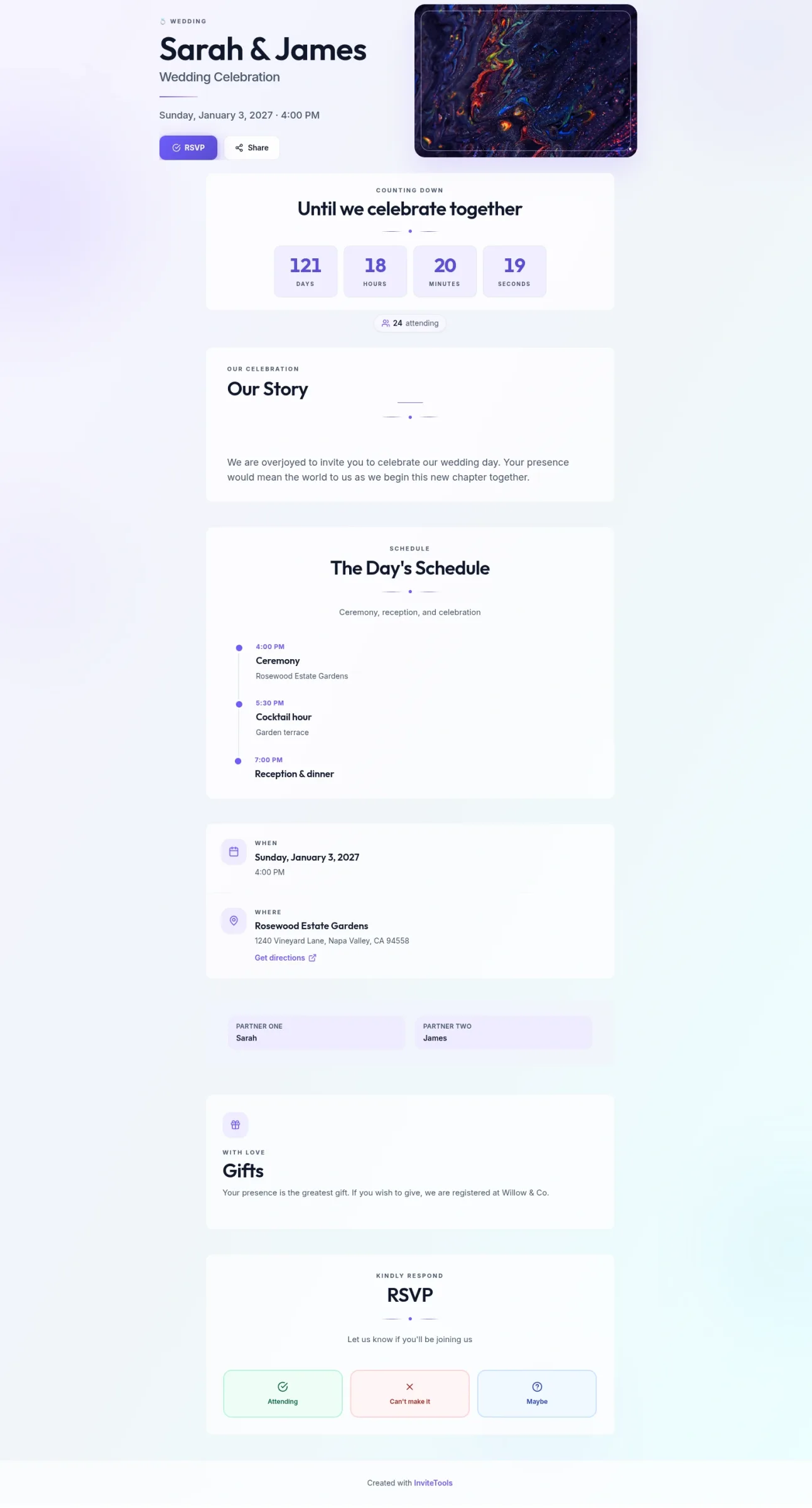
Abstract Union
Soft abstract color fields and open spacing — a modern invite for any event.
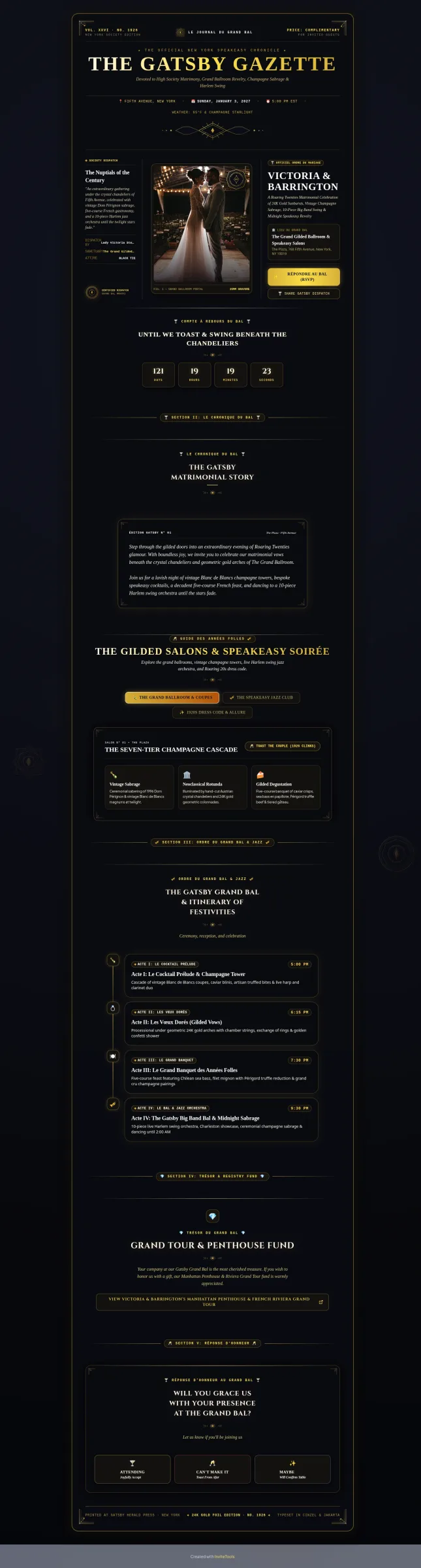
Art Deco Gold
Gilded 1920s geometry and society-column layout for a glamorous wedding.
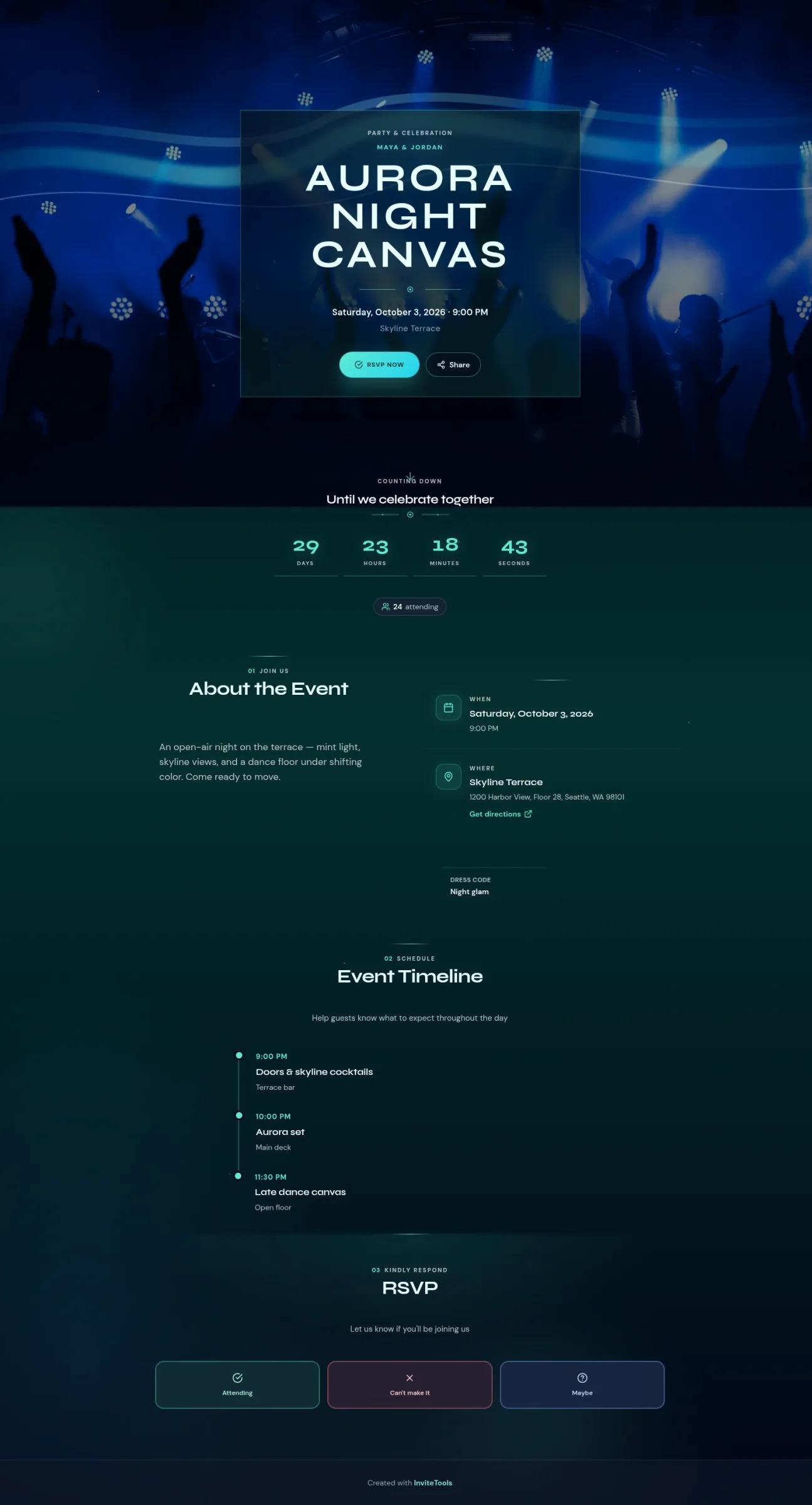
Aurora Canvas
Electric northern-light night sky for clubs, birthdays, and after-dark parties.