How to Politely Ask for RSVPs (Without Sounding Bossy)
Wording that gets guests to reply — plus deadline placement, gentle reminder scripts, and a simple way to automate follow-ups without nagging anyone.
Getting guests to reply to an invitation can feel surprisingly awkward. You do not want to sound like a project manager chasing down tickets — but you also need real headcounts for seating, catering, and budget. The fix is not nagging harder; it is clearer wording up front, a visible deadline, and reminders that read as helpful instead of bossy.
Lead with gratitude, then the ask
The most polite RSVP language pairs warmth with a specific, concrete action. A guest should never have to guess what you want them to do, or by when. Try wording like:
- "We would love to celebrate with you. Kindly reply by [date] so we can plan for you."
- "Your presence means so much to us — please RSVP by [date] (a yes or a no both help us)."
- "We're finalizing catering the week of [date]. A quick RSVP keeps everything running smoothly."
Explicitly saying that declines are welcome too lowers the social pressure and, counterintuitively, often improves your response rate. Hosts who only celebrate "yes" replies accidentally make guests who need to say no feel guilty about replying at all — so those guests simply avoid replying.
Put the deadline where eyes actually land
Hide the RSVP date at the bottom of a long card, in fine print, or three paragraphs into an email, and most guests will miss it. On a digital invitation, keep the deadline directly above or beside the RSVP button, so the ask and the action live on the same screen. On a printed card, place "Kindly reply by…" right under the event details — never buried below the dress code or gift registry line.
Polite reminder scripts that actually work
Two short, well-timed nudges beat one long guilt-trip email. Use this cadence and copy:
- About a week before the deadline: "Friendly reminder — we'd love your RSVP by [date]. It takes under a minute: [link]."
- One or two days before the deadline: "Last call for RSVPs so we can lock in seating and meals. Reply here: [link]. Thank you!"
On InviteTools Pro and Business plans, you can turn on automated email RSVP reminders so those nudges go out on schedule before your deadline — without you drafting and sending each follow-up by hand.
Make replying the easy part
Even perfectly polite wording fails if responding is a hassle. Share one mobile-friendly link (or a QR code on a printed card) instead of asking guests to call, text back a paragraph, or mail a card. Guests tap the link, choose attending or declined, and submit — no account required. Your dashboard updates the moment they reply, so you are never manually re-typing answers into a spreadsheet.
Templates that put the RSVP front and center:
- Champagne Atelier — Wedding template you can open and customize in minutes.
- Cocktail Chic — Party template you can open and customize in minutes.
- Corporate Clean — Corporate template you can open and customize in minutes.
Frequently asked questions
Is it rude to ask guests for an RSVP deadline? No — a clear deadline is a kindness. It gives guests a concrete task instead of an open-ended "let us know sometime," and it lets you finalize seating and catering with confidence.
What if a guest still has not replied after the deadline? Send one more short, warm nudge, and if there is still no answer, a quick personal text or call is perfectly acceptable. Two gentle reminders plus one direct check-in is usually enough.
Should I collect RSVPs by text, email, or a link? Use whichever channel your guests already check daily — usually text or a shared link works best. A single RSVP link travels well across text, email, and social messages, and every reply lands in the same live list.
Recommended Invitation Templates
Customize online and share with your guests in minutes.
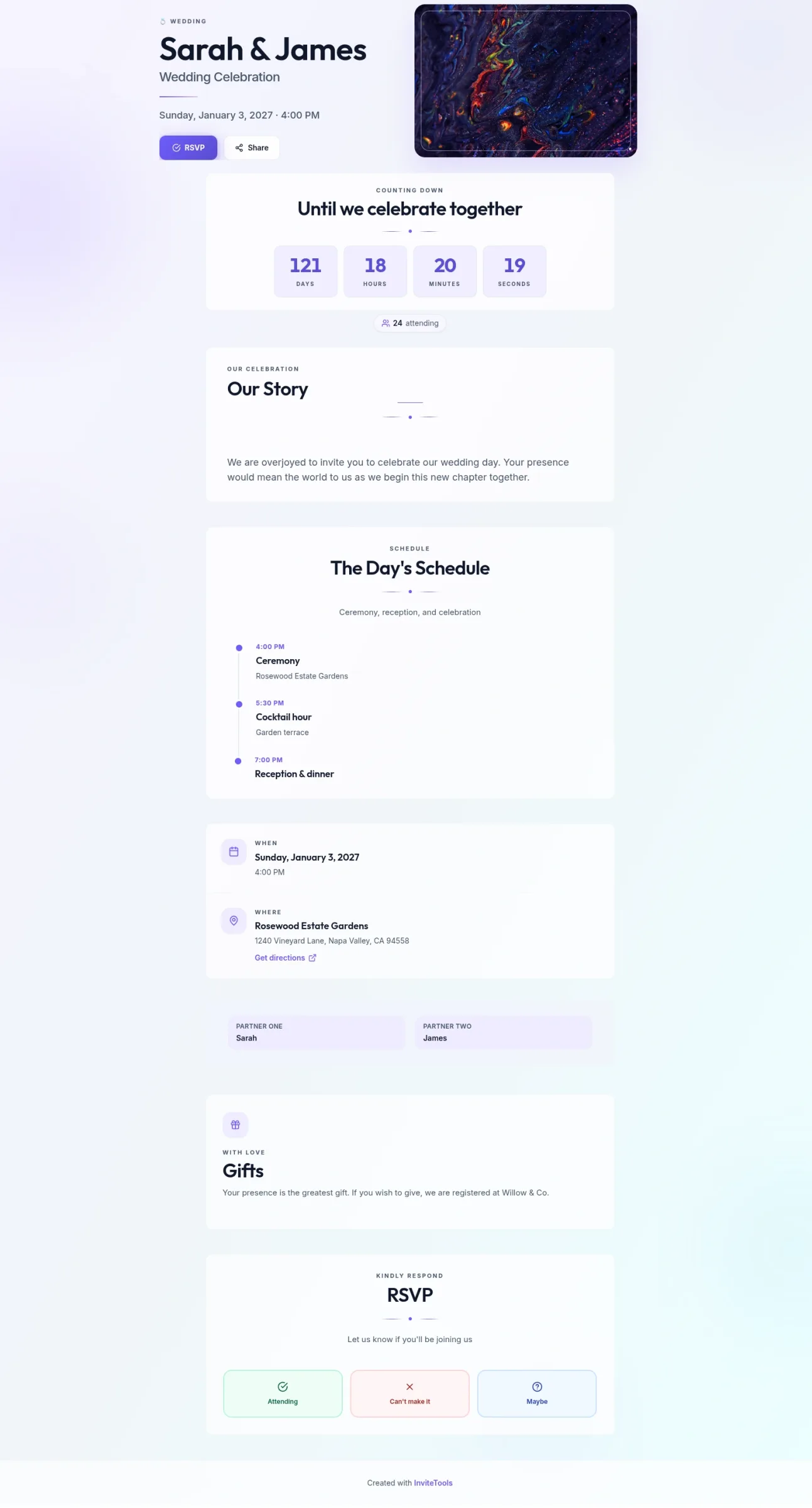
Abstract Union
Soft abstract color fields and open spacing — a modern invite for any event.
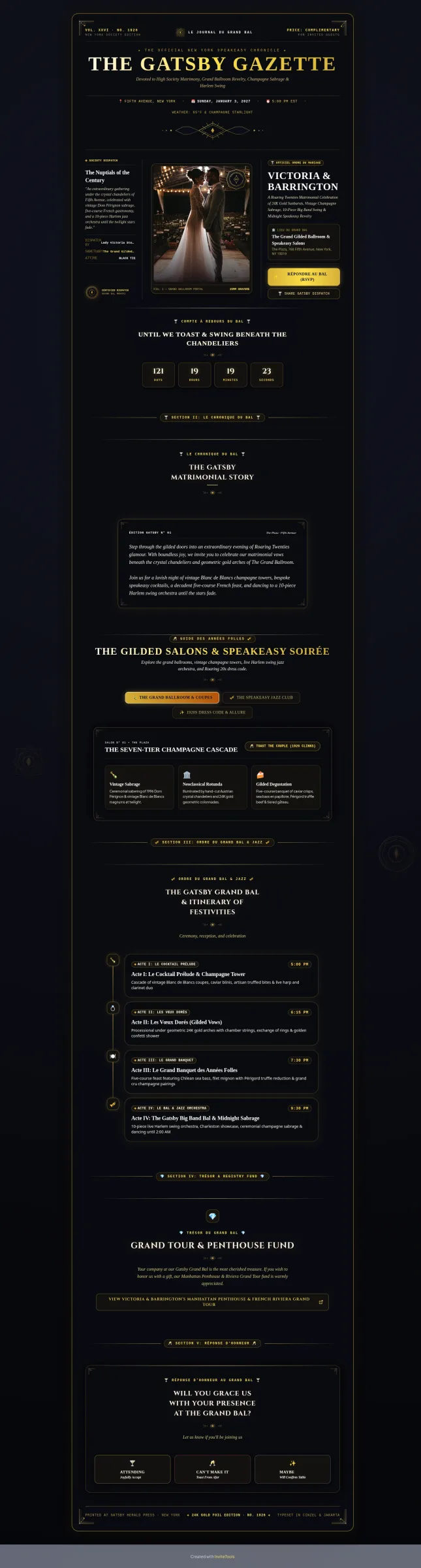
Art Deco Gold
Gilded 1920s geometry and society-column layout for a glamorous wedding.
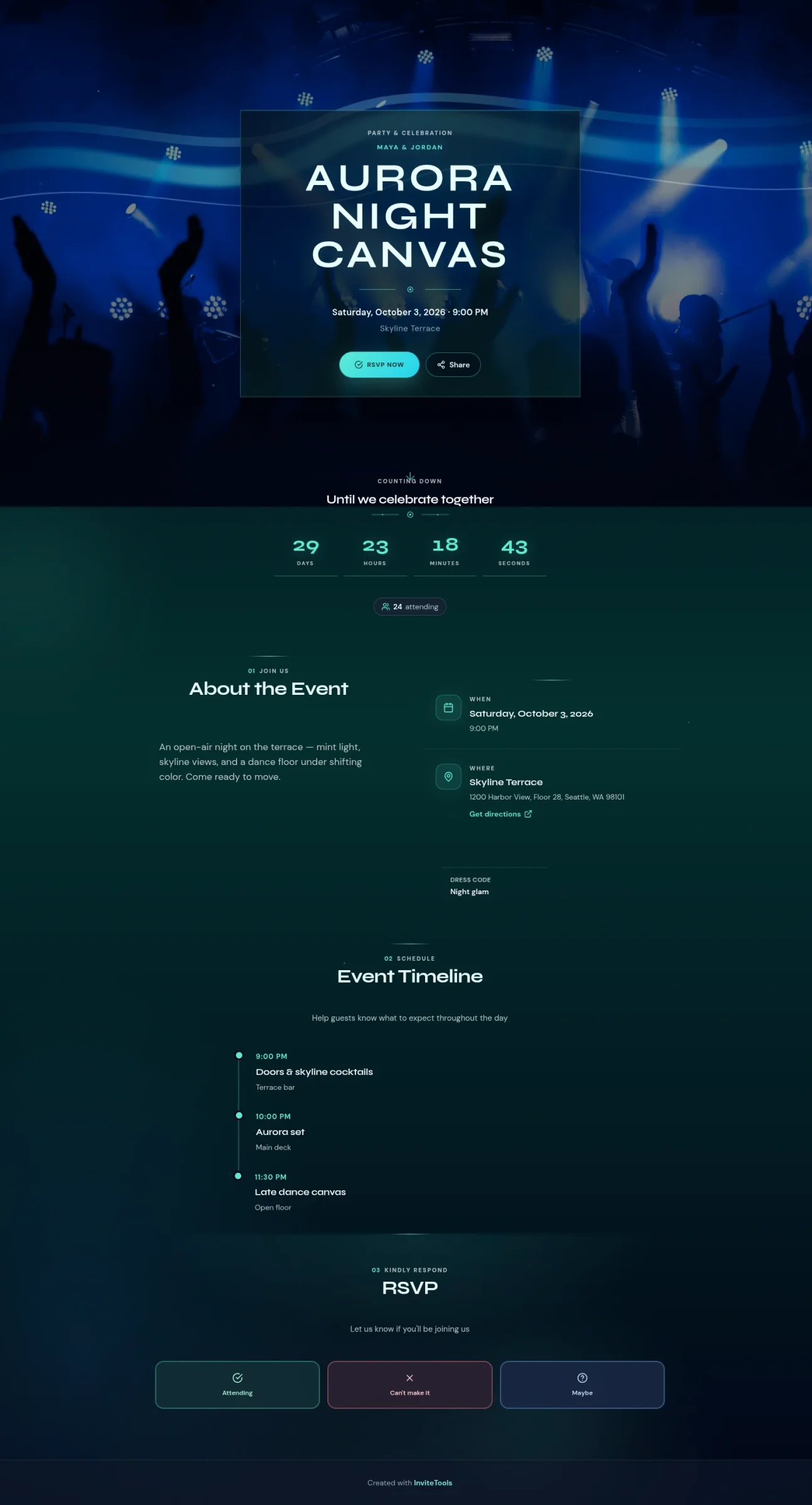
Aurora Canvas
Electric northern-light night sky for clubs, birthdays, and after-dark parties.