How to Track RSVPs Online for Free (Without Spreadsheets)
Stop hand-typing replies into a spreadsheet. Here is how to set up a free, live RSVP list in minutes — with reminders and QR codes included.
If you have ever copy-pasted an email reply into a spreadsheet, then lost track of who actually confirmed, you already know why "free online RSVP tracker" is such a common search. The good news: you do not need a paid tool, a spreadsheet macro, or a separate form builder to get a clean, live guest list. Here is exactly how to set one up in a few minutes, for free.
Why hosts need a live RSVP list
A spreadsheet only reflects what someone remembered to type in. Replies arrive by text, email, phone call, and hallway conversation — and it only takes one missed message to throw off your seating chart or catering count. A live RSVP list solves this by giving every guest one link to reply on directly, so their answer lands in the same place automatically, with no manual entry and no version-control confusion between "final_guestlist_v3.xlsx" and "final_guestlist_v3_ACTUAL.xlsx."
How to set up a free online RSVP tracker
- Create a free InviteTools account — no credit card required to get started.
- Pick a template that matches your event and add your event details, date, and RSVP deadline.
- Turn on the settings you need, like meal choices, plus-one limits, or notes fields.
- Publish and share one link by text, email, or social — or download a QR code for anything printed.
- Watch your dashboard as attending and declined replies arrive in real time, then export the list whenever you need it.
Free tracker vs. spreadsheet: what actually changes
- Data entry: guests enter their own answer once; you never retype a reply from a text or email.
- Accuracy: one live source of truth instead of three versions of the same file floating between your phone, laptop, and a co-host's inbox.
- Follow-up: you can instantly filter who has not replied, instead of scanning rows by eye.
- Presentation: guests see a real invitation page, not a bare form link that could belong to anyone.
Reminders, QR codes, and keeping the list live
Once your invitation is published, two things keep response rates high without extra work from you. First, a QR code lets you bridge any printed piece — a save-the-date, a poster, a table sign — straight back to the same digital RSVP page, so every channel feeds the same list. Second, on paid plans, automated email reminders go out on a schedule before your deadline, nudging anyone who has not replied yet without you writing a single follow-up message.
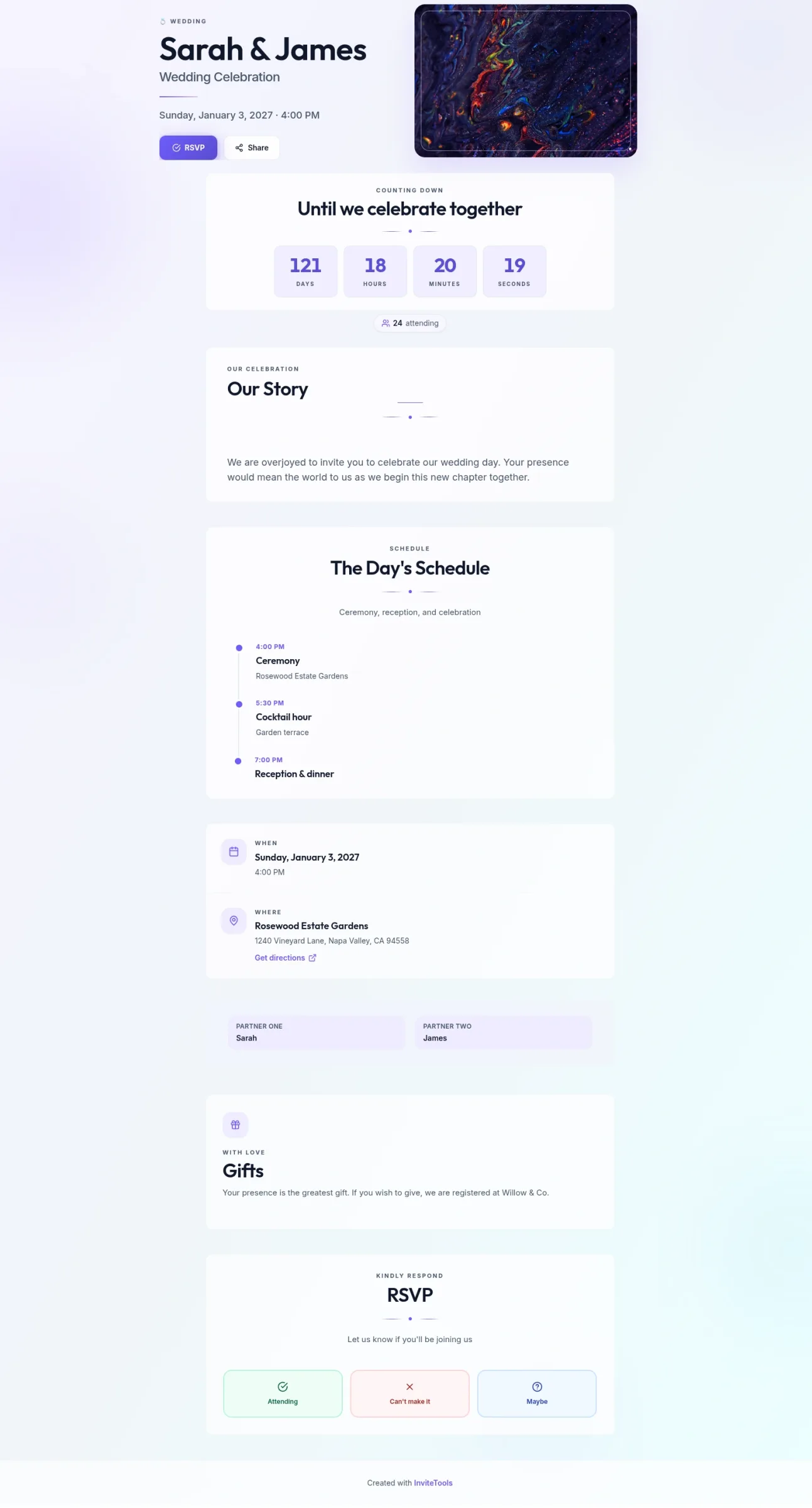
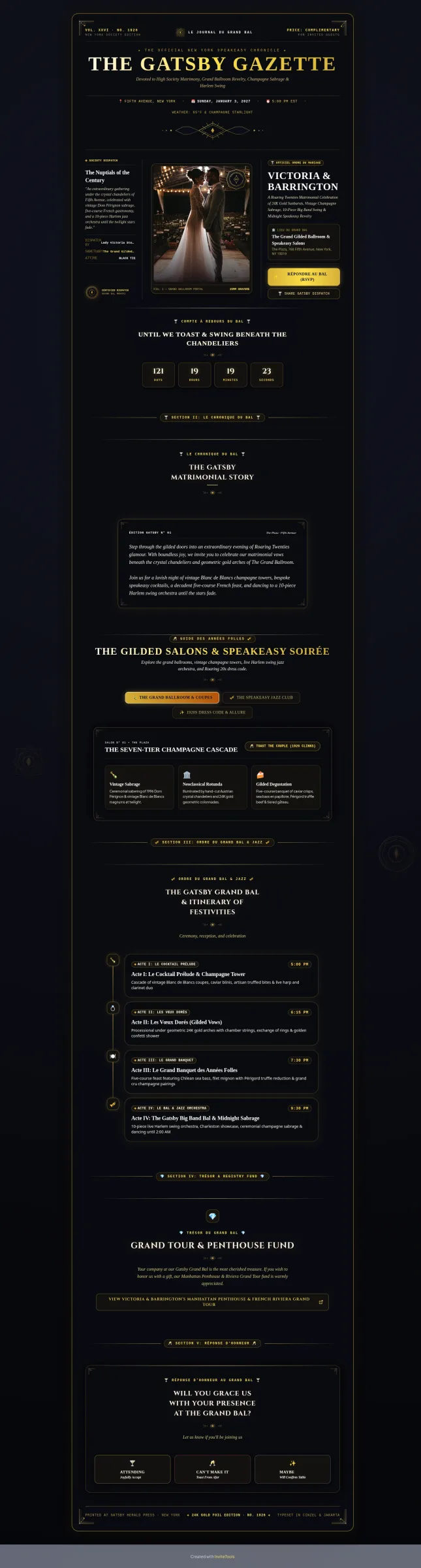
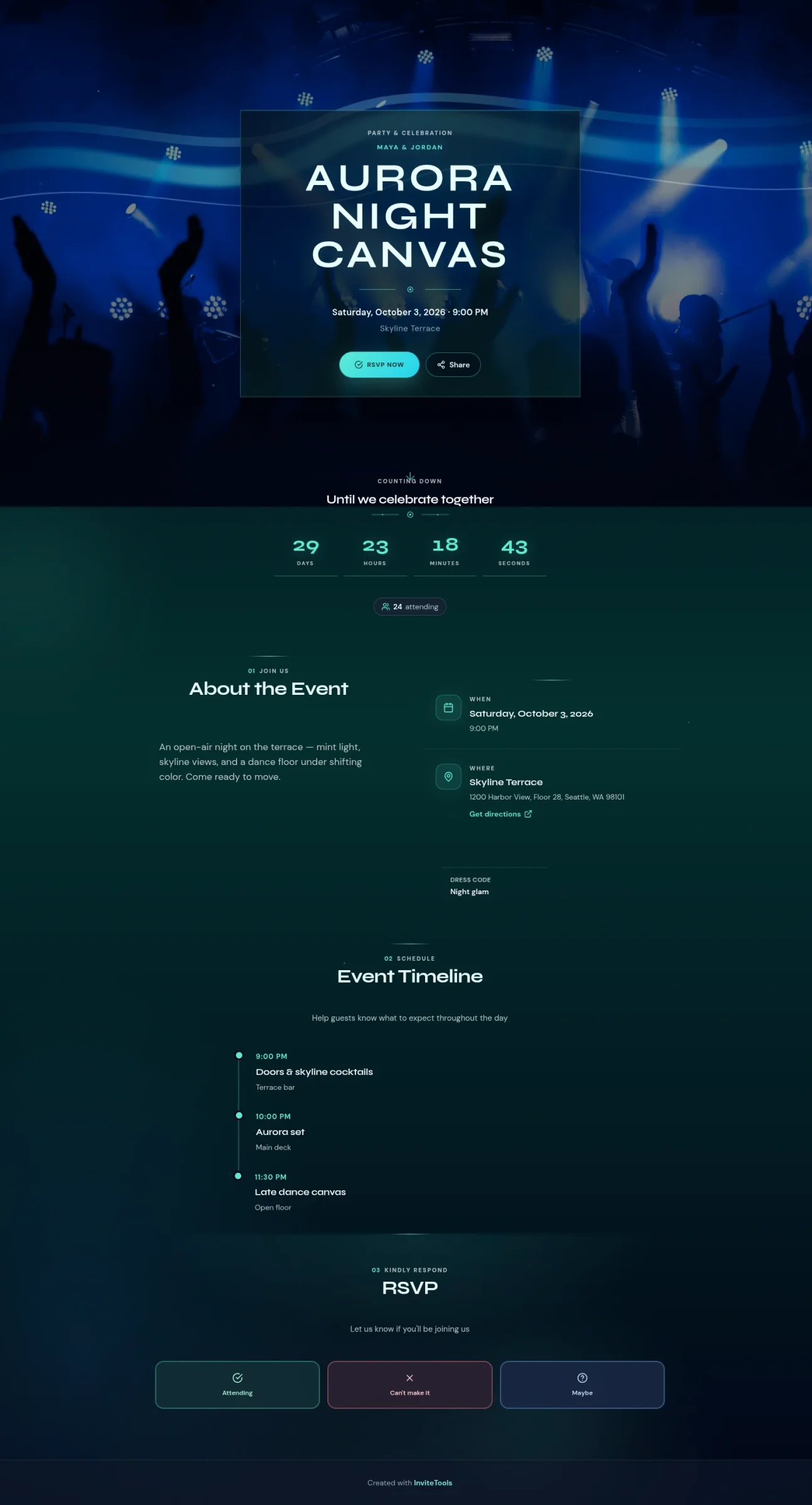
Templates with the RSVP built in from the first screen:
- Cocktail Chic — Party template you can open and customize in minutes.
- Corporate Clean — Corporate template you can open and customize in minutes.
- Pastel Confetti — Birthday template you can open and customize in minutes.
Frequently asked questions
Is InviteTools actually free to start? Yes — you can create an account, publish an invitation, and start collecting RSVPs on the free plan, then upgrade only if you need reminders, higher guest limits, or extra privacy controls.
Can I track RSVPs online without asking guests to install anything? Yes. Guests simply open your link in any phone or desktop browser, reply, and submit — no app, download, or account needed on their end.
What if I already sent paper invitations — can I still switch to a live list? Absolutely. Add a QR code or short link to a follow-up text or email, and every new reply will start landing in the same live dashboard alongside anyone who already responded.
Recommended Invitation Templates
Customize online and share with your guests in minutes.